A look at her Vinted balance
This screenshot shows her Vinted balance: €428.36 available and €574.20 pending. Seeing the sales come in was a lovely moment, and it made all those photos and listings feel worthwhile.

A piece of clothing can look very different when you can see its shape. My girlfriend wanted to help buyers picture her clothes being worn, so we added AI model photos alongside her original item photos. I build AutoLister, and this is the story of two items from her wardrobe.
A beige dress, shown two ways
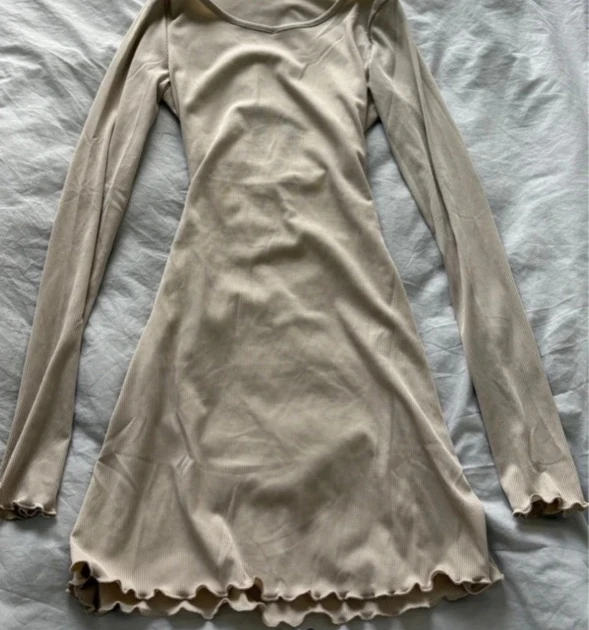
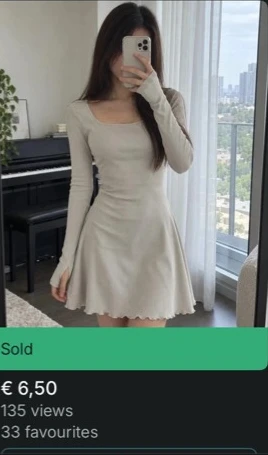
The flat-lay shows the garment itself. The model photo gives another view of its shape. The listing later appeared marked Sold, with 135 views and 33 favourites.
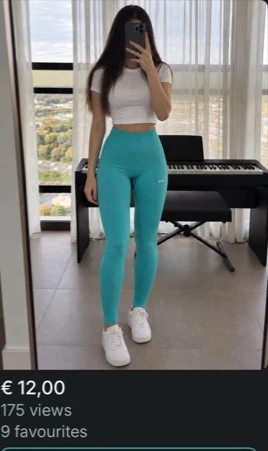
Turquoise leggings
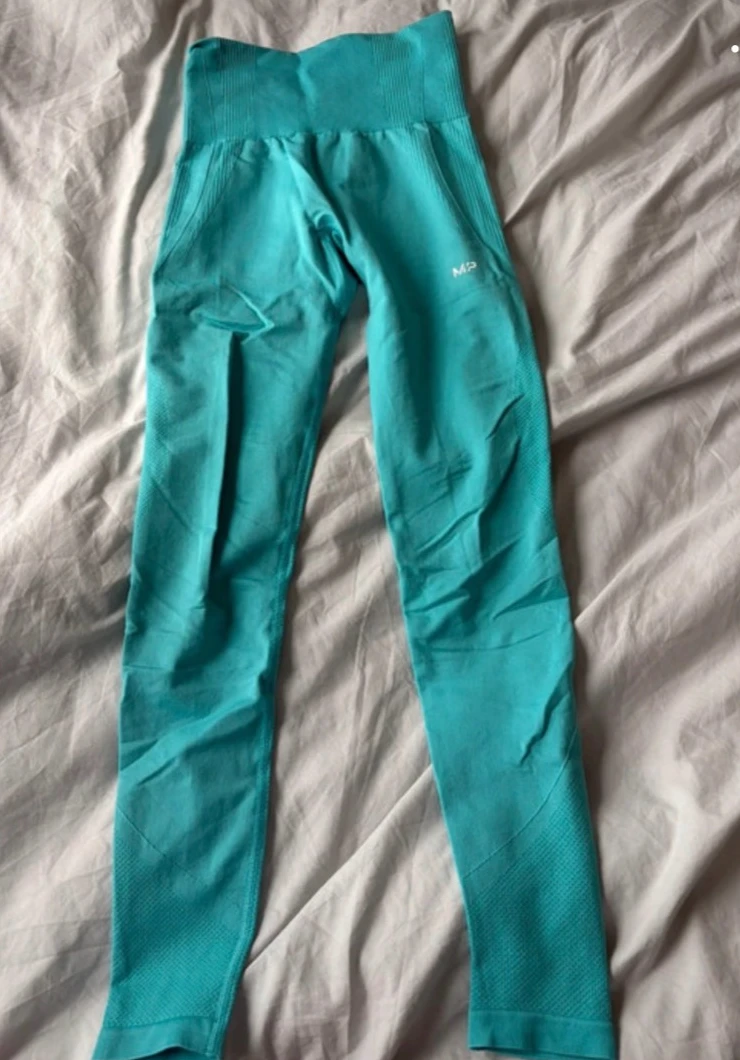
The model photo of these leggings appeared on a listing with 175 views and 9 favourites. Each item is different, but seeing the shape can give a buyer a useful extra perspective.
Try it with your own wardrobe
Start with an item whose shape is hard to see on a hanger or bed. Photograph the whole item, then include the back, label, fabric and any flaws. Keep the real details clear and review generated photos before using them. Add a specific title and honest description.
See how AutoLister creates model photos
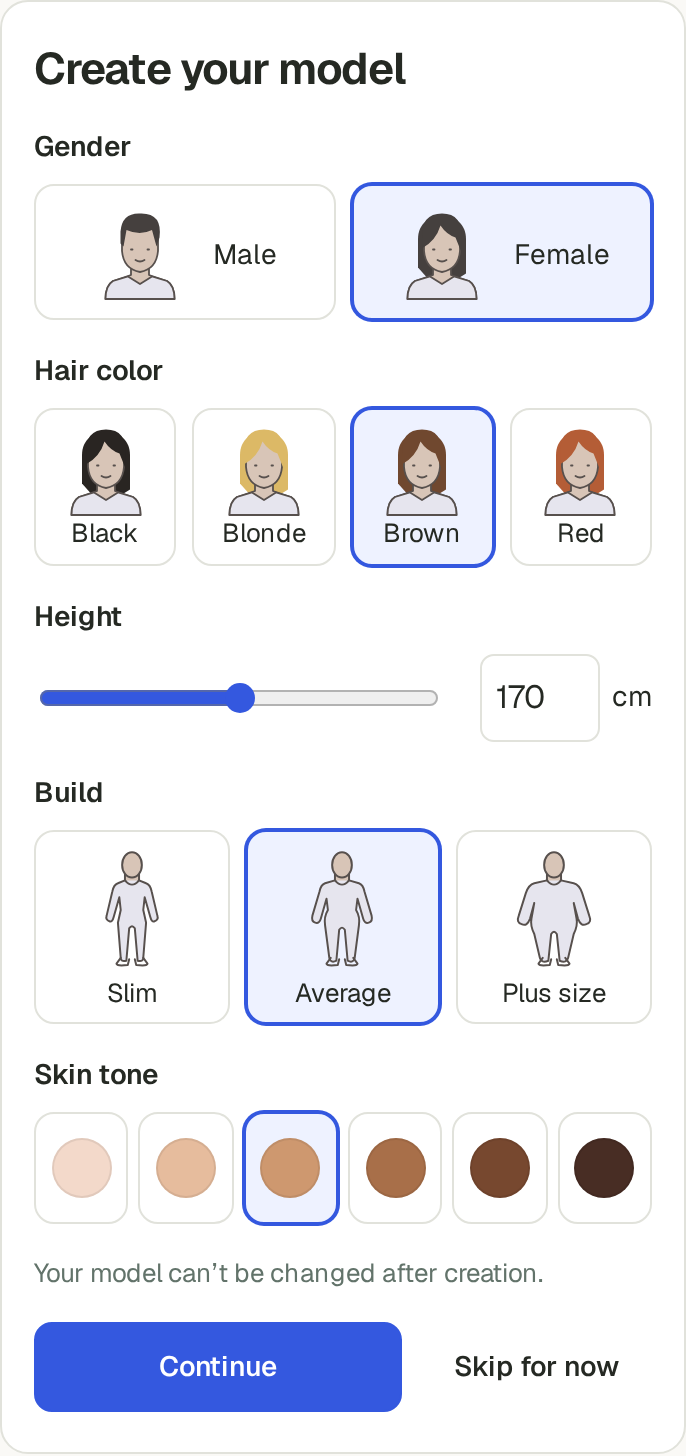
Take a look at the model setup in AutoLister. Choose a model, add item photos and review the result alongside your originals.