Show your clothes on a model.
Turn your item photos into two AI model photos. Create your model once and reuse it for your next listings.
Try it in the web appOn your phone or computer. No extension needed.
Get the Vinted extension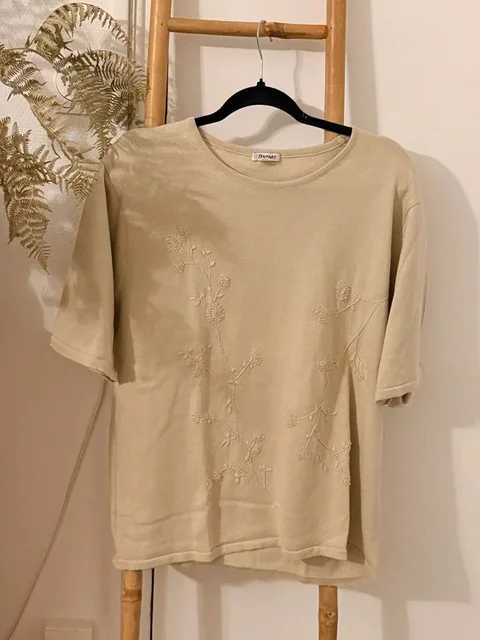
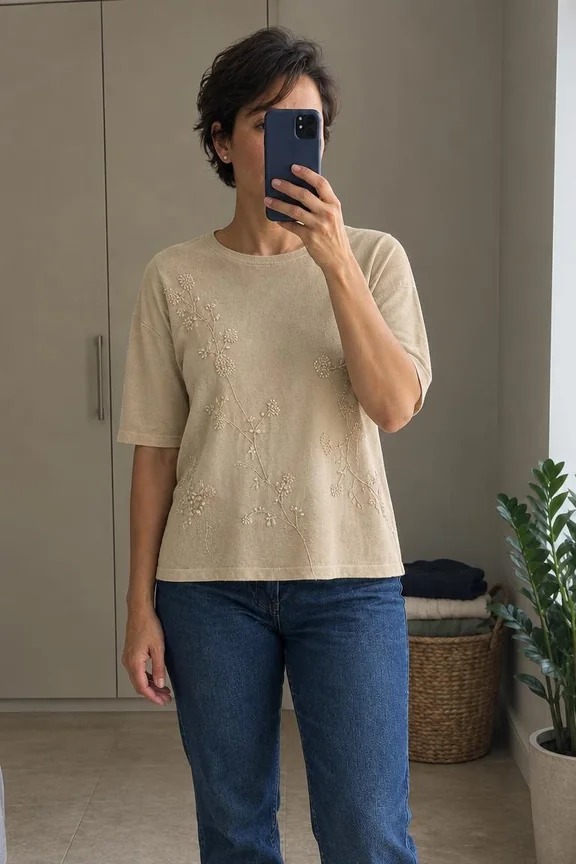
Create your model once.
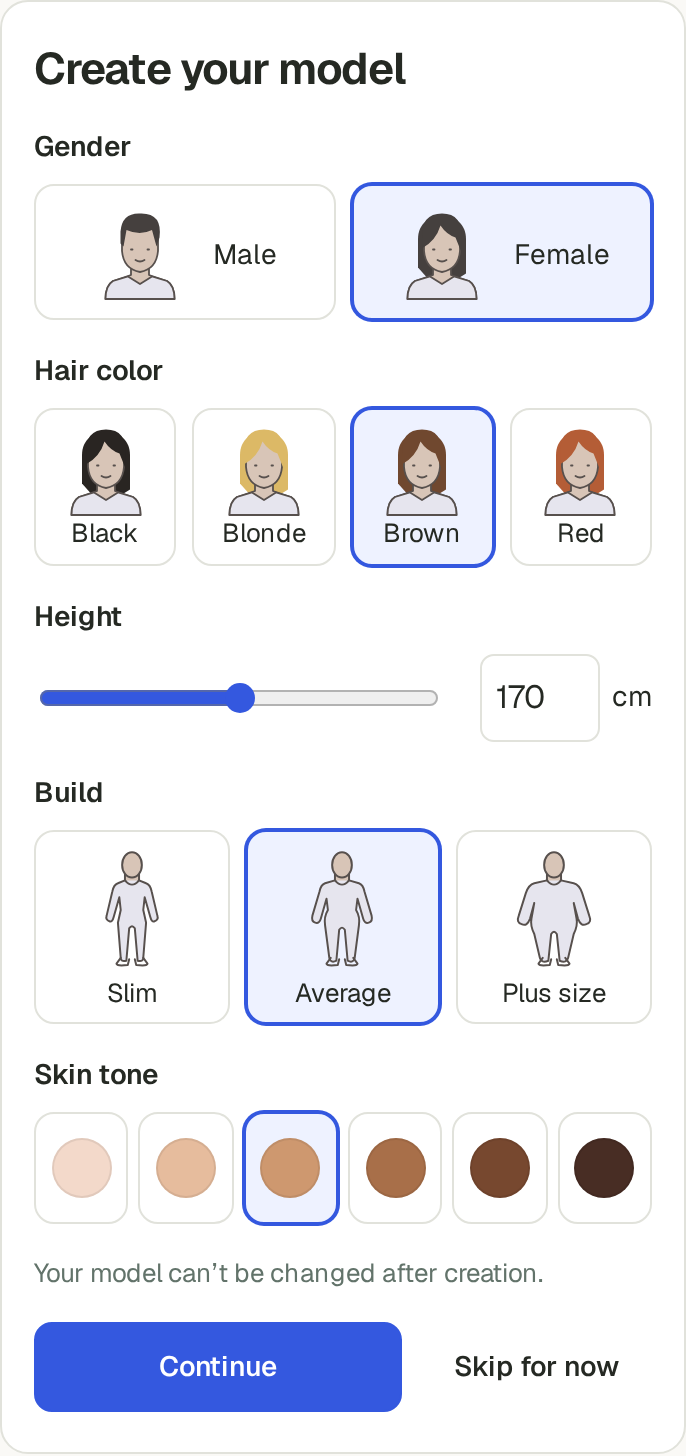
Create your model
Choose its appearance before you create it. You can’t change it afterwards.
Add your item photos
Upload clear photos of the front, back and any details. Enable Your model and generate your listing.
Review and save
Check both model photos against the originals, then save them as JPEGs. Keep your detail photos alongside them.
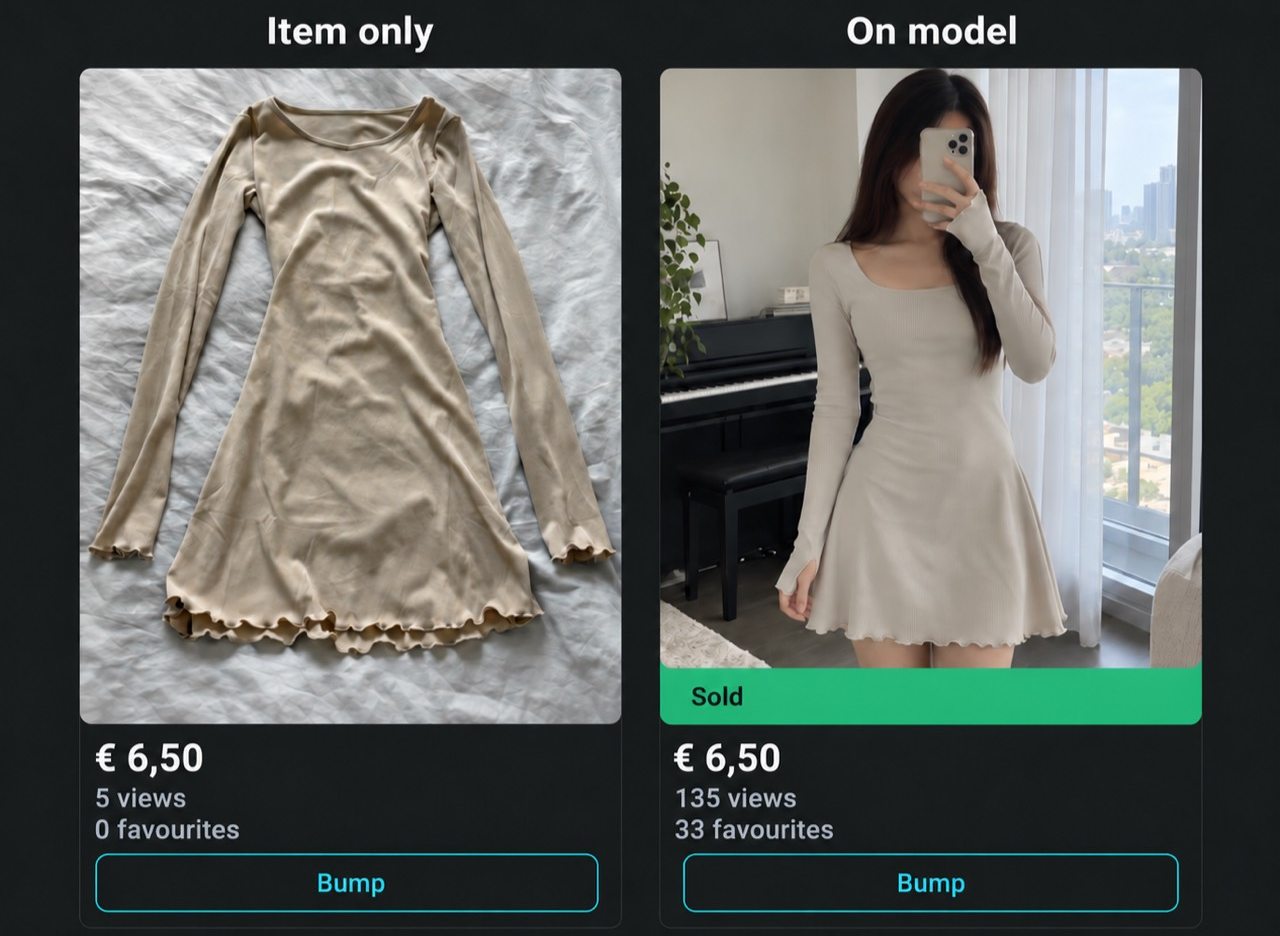
A seller’s before and after
Use them where you sell.
For eligible adult clothing, shoes and bags. In the web app, save the photos and add them to your listing yourself. With the Vinted extension, AutoLister adds them directly to the photo area for you to review.
Keep the real details in view.
Check colours, seams, logos and wear before using a photo. AI can get details wrong. The photos illustrate the item, not its actual fit.